Welcome to Jack's Projects
"Where innovation meets execution." -Visual Studio autofill
About Me
I am a young, motivated student who likes figuring out how things work by building them myself. I rely on documentation from sources like GitHub and YouTube, and learning by doing is the best way I have found to grasp new concepts. Most of my projects are about giving old or cheap hardware a second life: an old iMac turned into a server and file share, and a Raspberry Pi 5 at home that now runs my Minecraft servers. My first server was on AWS, but that was a starting point; nothing here runs on AWS anymore.
The Best Games:
Kerbal Space Program

Minecraft
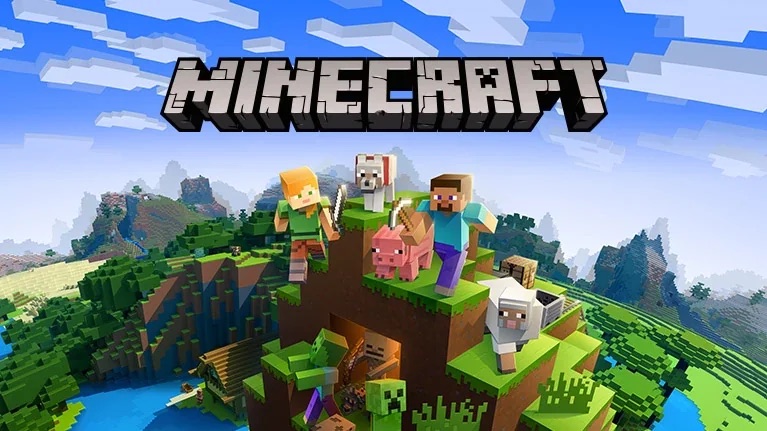
- Java Edition, mostly 1.21.1 modded with NeoForge
- Self-hosted on a Raspberry Pi 5 at home
- Create and its add-ons, Immersive Aircraft, and a bunch of quality-of-life mods
See the servers →
Some random projects:
AWS EC2 - Modded Minecraft Server
This Minecraft server was hosted on an AWS EC2 instance and configured to run a modded Java server (it has since moved to a Raspberry Pi at home). If you want to make it yourself, you can use one of the links below to set it up. Since this project was my first time using AWS, I went with the "official" tutorial, but quickly after did the modded.
Un-Modded AWS blog guide - YouTube modded tutorial - Og GitHub location
Mac - 'Fix'
I have an iMac from 2011, with an i7 and a failed graphics card. Replacements for the same faulty unit cost around $50-100. So I decided to go the economical route. I installed Ubuntu Server 24.04 LTS. A few caveats did pop up, especially during set up. Firstly, the imac would crash when launched into anything but safe graphics. Secondly, the GRUB menu wouldn't appear once it was installed (turns out it was there, just not showing itself); it only showed up when booting the installer from the flash drive. Previously, I had booted into safe graphics on Ubuntu Desktop 24.04 LTS and it worked, even boasting a whole ~650 single-core score in Geekbench 6. Going back to those same problems, I had to use the terminal in the installer to edit the GRUB config to bypass the need of selecting safe graphics.
Mac - Samba - Gaming use
Samba is such a great resource for a NAS (Network Attached Storage) without needing a whole new device. I took my old iMac as mentioned above and repurposed it as a file server. Getting it working with basic file sharing and password/user set up was very simple. The hard part came when I tried playing Kerbal Space Program off of it. It took a lot of changing the config for Steam to finally recognize the drive as something it can launch off of. It took a notable 30 minutes to fully launch the game, but after that it ran fairly smooth. Running Blackmagic Disk Speed Test from my Mac against the share, I got a pretty consistent 80-85 MB/s read write speed.