Welcome to Jack's Projects
"Where innovation meets execution." -Visual Studio autofill
Contact
Email: jack@JacksEpicProjects
GitHub: childnamedjack
About Me
I am a young, motivated student who plays highly modded game projects in my free time. I rely on documentation from sources like GitHub and YouTube. Learning by doing is the best way to grasp new concepts. One of my favorite projects was setting up a Minecraft server hosted on AWS - I manage mods, saves, and server configs.
The Best Games:

KSP - Mod files:
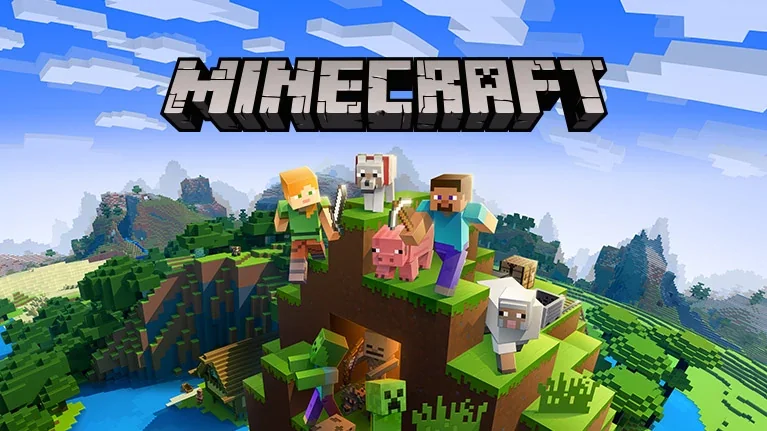
Minecraft - Mod files:
*Minecraft Server runs Java 1.20.1 Forge.
Some random projects:

AWS EC2 - Modded Minecraft Server
This Minecraft server is hosted on an AWS EC2 instance and configured to run a modded Java server. If you want to make it yourself, you can use one of the links below to set it up. Since this project was my first time using AWS, I went with the "official" tutorial, but quickly after did the modded.
Un-Modded AWS blog guide - YouTube modded tutorial - Original Yaml file for CloudFormation
My modified CloudFormation for 1.20.1 - Og GitHub location

Mac - 'Fix'
I have a iMac that is around 2011, with an i7 and it has a failed graphics card. Replacements for the same faulty unit cost around $50-100. So I decided to go the economical route. I installed Linux Ubuntu Server 24 LTS. A few caveats did pop up, especially during set up. Firstly, the imac would crash when launched into anything but safe graphics. Secondly, the GRUB menu wouldn't appear (turns out it was there just not presenting itself) unless before the original install, when the operating system is still on the flash drive. Previously, I had booted into safe graphics on Ubantu Desktop LTS 24 and it worked. Even boasting a whole ~650 for single core performance on GeekBench. Going back to those same problems, I had utilize the terminal in the installer to edit the GRUB config to bypass the need of selecting safe graphics.
Mac - Samba - Gaming use
Samba is such a great resource for a NAS (Network Attached Storage) without needing a whole new device. I took my old iMac as mentioned above and repurposed it as a file server. Getting it working with basic file sharing and password/user set up was very simple. The hard part came when I tried playing Kerbal Space Program off of it. It took a lot of changing the config for Steam to finally recognize drive as somthing it can launch off of. It took a noteable 30 minutes to fully launch the game, but after that it ran fairly smooth. Using Blackmagic Disk Speed Test, I got a pretty consistant 80-85 MB/s read write speed.